Salesforce Winter '27 gives security and data teams a valuable new view: Data Detect can scan Data 360 data lake objects for sensitive information.
That matters because Data 360 is no longer just a marketing data store. Organizations are using it to unify CRM records, service interactions, documents, claims, donor histories, digital behavior, and external data for analytics and Agentforce. When sensitive information enters that layer, it can move into profiles, segments, data graphs, dashboards, retrieval pipelines, prompts, and automated actions.
The new scan can help you see that exposure. It cannot decide what the business should do about it.
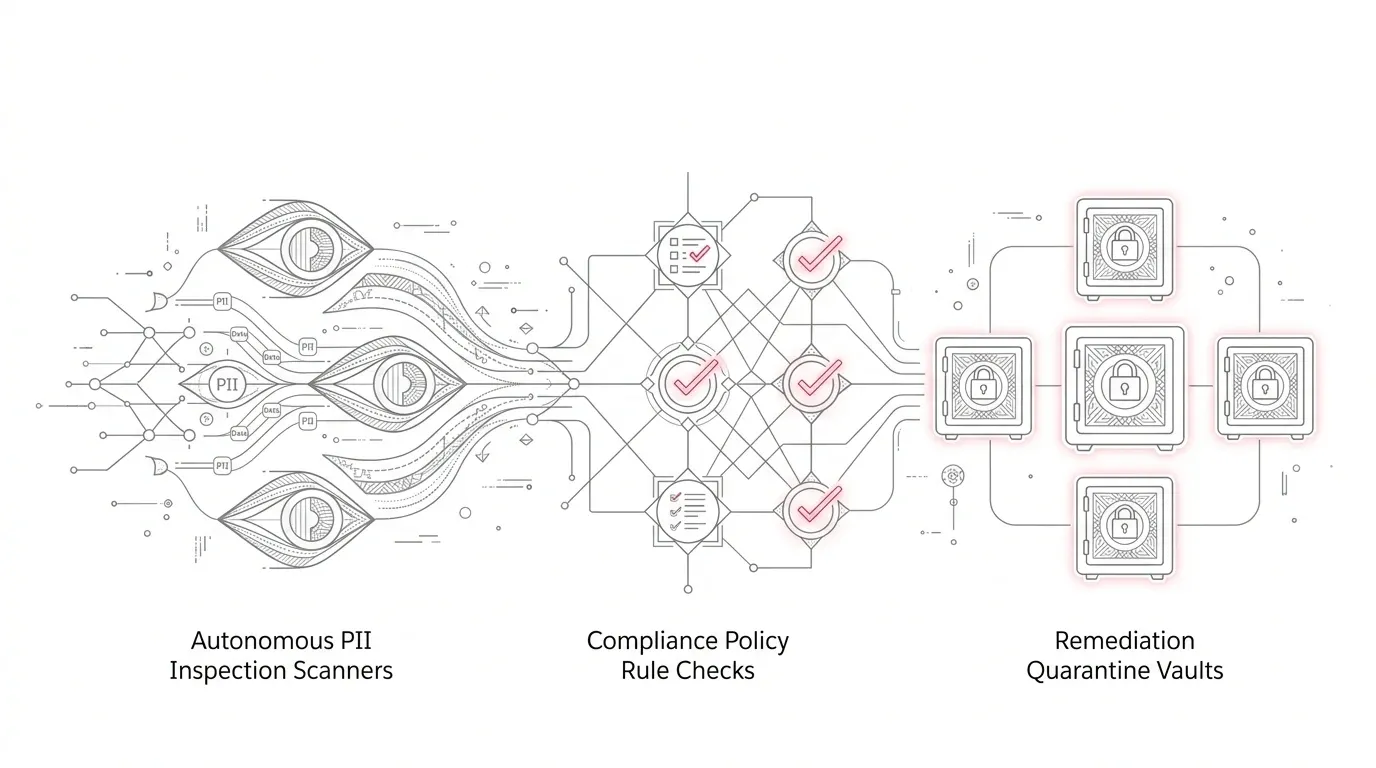
The right objective is not “run Data Detect.” It is to build a repeatable control loop that discovers sensitive data, validates why it exists, protects or removes it, and proves that every downstream use remains appropriate.
What changed in Winter '27?
Salesforce says Data Detect can now scan sensitive data in Data 360 DLOs. When a DLO is selected, the scan targets its text fields. A single policy can cover up to 100 DLOs across multiple data spaces, and the resulting usage is billed under the Data Queries usage type.
This is useful for three reasons.
First, teams can examine actual values instead of relying only on field names or design-time classifications. A field called `Notes` may contain a diagnosis, bank account number, donor circumstance, or claims narrative even when its label looks harmless.
Second, the scan can cross data spaces. That helps enterprises detect inconsistent handling between business units, geographies, or use cases.
Third, findings can become an evidence source for classification and remediation. Security, privacy, data, and Salesforce teams can discuss specific objects and fields rather than debate an abstract inventory.
But the feature has boundaries. It requires Salesforce Shield or a Data Detect add-on plus the relevant Data 360 licenses. Scanning consumes credits. Salesforce documents supported text-oriented field types and notes that encrypted fields take longer. Scan excerpts are themselves sensitive and require carefully controlled access. Custom patterns can produce poor performance or failures if they are not designed well.
Most importantly, detection is not protection. A finding does not automatically delete data, correct the source, change retention, constrain a query, update an Agentforce retriever, or establish that processing is appropriate.
Why the risk grows when Data 360 feeds AI
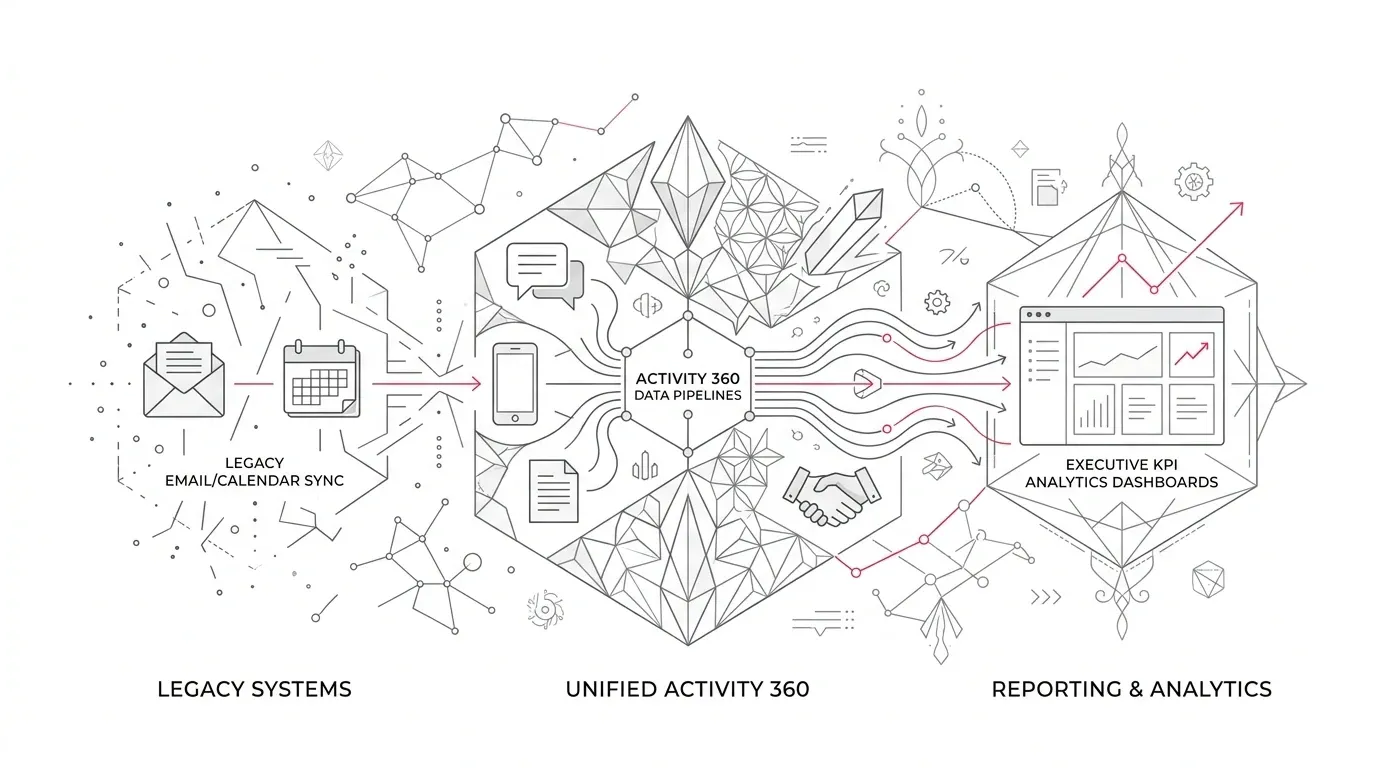
A traditional CRM record usually has a visible owner, page layout, sharing model, and business process. Data 360 introduces a broader path: raw data can be ingested, transformed, harmonized, related through identity resolution, placed in a data graph, exposed to analytics, or supplied as grounding context to an AI agent.
That creates two governance traps.
The first is assuming that an upstream permission automatically answers every downstream question. Salesforce's Data 360 architecture includes data spaces, classifications, lineage, attribute-based policies, and enforcement at consumption layers. Those controls are powerful, but they still need deliberate configuration, ownership, and testing for each use.
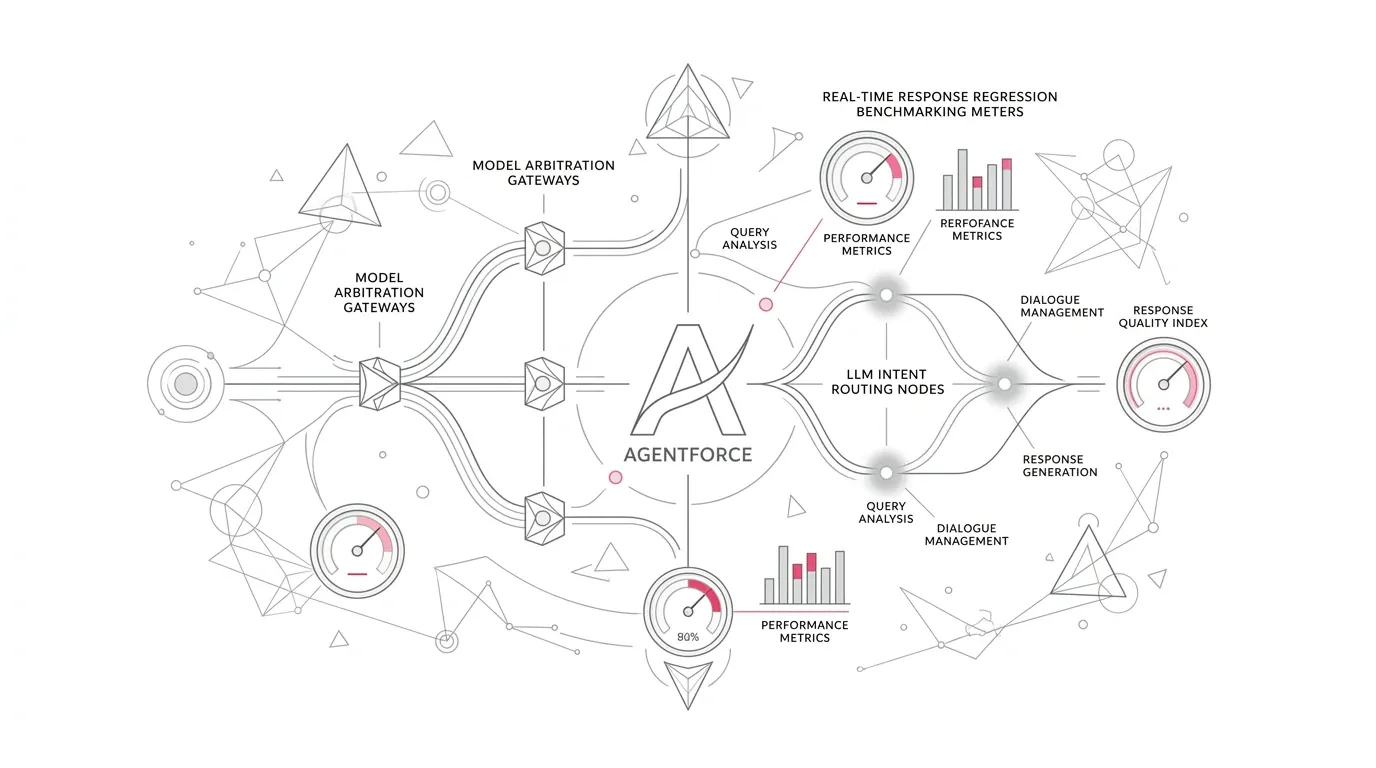
The second is assuming that inference-time masking solves the problem. Salesforce's own Well-Architected guidance distinguishes the Einstein Trust Layer from governance of data at rest and access to grounding sources. It recommends sending only the fields an agent needs and treating masking as another protective layer, not a substitute for minimization.
If a service agent needs a member's coverage tier, it may not need the complete claims narrative. If a fundraising assistant needs household preferences, it may not need case-management notes. If a retention model needs an aggregated risk indicator, it may not need direct identifiers.
Finding sensitive data is the start of that design decision, not the end.
A six-step operating model for Data Detect and Data 360
1. Define the decision before you define the scan
Do not begin with “scan everything.” Start with a business decision such as:
- Which DLOs may be used to ground a customer-service agent?
- Which data space contains information that should not be activated for marketing?
- Which claim, donor, or patient fields require tighter access or shorter retention?
- Which fields are arriving in free text even though a structured alternative exists?
The decision determines the objects, categories, time range, and evidence you need. It also keeps credit consumption and review volume proportional to the risk.
2. Build a complete DLO-to-outcome inventory
For each in-scope DLO, document:
- Source system and accountable data owner
- Data space and ingest method
- Transformations and mapped data model objects
- Identity-resolution participation
- Data graphs, segments, activations, reports, and APIs that consume it
- Agentforce retrievers, prompts, topics, or actions that depend on it
- Retention expectation and deletion path
- Current classification, access policy, masking, and encryption controls
This is the map that turns a field-level finding into a business-impact assessment. Without it, teams can discover a problem but cannot reliably identify every place the data travels.
3. Pilot with representative, high-risk DLOs
Choose a small set that spans the real operating model: one high-volume object, one free-text-heavy source, one externally shared source, and one DLO used by an AI or customer-facing process.
Run an initial scan against a bounded time range. Validate the predefined categories, keywords, and custom patterns using real examples from data owners. Record false positives, false negatives found through sampling, scan duration, credit consumption, and the number of results requiring review.
A useful pilot answers two questions: “Can the policy detect what matters?” and “Can the organization absorb the work it creates?”
4. Triage findings by purpose and exposure
Do not prioritize solely by result count. Score each finding across four dimensions:
- Sensitivity: What could the value reveal or enable?
- Business necessity: Is the value required for a documented purpose?
- Exposure: Which people, systems, agents, exports, and activations can reach it?
- Control weakness: Are classification, access, masking, retention, and monitoring adequate?
Then assign one remediation decision:
- Remove: The organization does not need the data.
- Correct upstream: The value belongs in a controlled structured field, not free text.
- Minimize: Keep only the attributes or granularity required for the use case.
- Restrict: Apply access or query policies aligned to purpose and role.
- Mask or encrypt: Reduce unnecessary visibility while preserving a justified process.
- Retain with evidence: Document why the value is needed, who owns it, and which controls apply.
Legal, privacy, clinical, and security owners should make or approve decisions within their remit. Data Detect supplies evidence; it does not supply the organization's legal basis or risk acceptance.
5. Remediate the full data path
Changing a label on a field is not enough. A durable fix may require work at several layers:
- Update source-system validation, forms, agent guidance, or integration mappings.
- Remove obsolete copies and address retention in upstream and downstream stores.
- Update Data 360 classifications and governance policies.
- Review data-space membership and administrative access.
- Change data graphs, calculated insights, segments, activations, and API consumers.
- Narrow Agentforce retrievers and prompt inputs to the minimum context needed.
- Test reports, dashboards, service workflows, exports, and customer-facing responses.
Where remediation can disrupt operations, use a controlled release with a rollback plan and reconciliation criteria. A policy that silently removes required data from a service workflow can create a different form of customer harm.
6. Prove the result and make it recurring
Re-run targeted scans after remediation. Confirm that the result count changed for the expected reason and that sensitive values did not simply move to another field or object.
Then test representative users and machine identities at the consumption layer. Can the nurse, claims examiner, fundraiser, call-center representative, integration user, dashboard viewer, and AI agent retrieve only what their process requires? Can administrators explain and reproduce the result?
Track a small set of operating measures:
- DLOs inventoried versus in scope
- High-risk findings with an owner and due date
- Findings corrected at the source rather than masked downstream
- AI and activation use cases retested after policy changes
- Scan credits and review effort per policy
- Repeat findings by source system
- Exceptions approaching review or expiration
Run policies on a cadence tied to data-source change, new AI use cases, major releases, and risk. A scan that is never connected to change management becomes a snapshot of yesterday's architecture.
Industry-specific priorities
Healthcare providers and health insurers
Prioritize clinical notes, assessment text, claims narratives, call transcripts, attachments, and identity-resolution inputs. In the United States, qualified privacy and legal teams should assess applicable HIPAA requirements and exceptions. HHS guidance on the minimum necessary standard reinforces the operational need to define which workforce roles need which categories of information for a purpose. The technical implementation must follow that approved policy; the scan itself does not establish compliance.
Insurers
Look beyond obvious identifiers. Free-text claims descriptions, adjuster notes, fraud indicators, beneficiary details, telematics, health-related information, and financial data can create very different obligations and business consequences. Test analytics and automated decisions for both excessive access and unintended data loss after remediation.
Nonprofit foundations
Donor systems often sit near program, beneficiary, grant, and case-management data. A unified profile can accidentally connect fundraising users or models to sensitive program context. Separate the information needed for stewardship from restricted beneficiary or applicant information, and test those boundaries in reports, segments, integrations, and AI tools.
European operations
The European Data Protection Board emphasizes purpose limitation, data minimization, storage limitation, integrity and confidentiality, and accountability. Use those principles to challenge unnecessary ingestion and retention, but have qualified privacy counsel determine the specific legal requirements for each processing activity and jurisdiction.
The executive decision: buy a scanner or build a control loop?
Data Detect's Data 360 support is valuable because it makes hidden concentrations of sensitive text more visible. Its value will be limited, however, if the organization treats the output as a one-time security report.
Before expanding the scan, executives should ask:
- Which business decisions will the findings change?
- Who can approve removal, restriction, masking, or continued use?
- Can we trace each finding from its source to every downstream consumer?
- How will we test Agentforce, analytics, and service workflows after remediation?
- What review capacity and Data Queries credit budget can we sustain?
- What evidence will demonstrate that the fix works over time?
The strongest program makes sensitive-data discovery part of data-product ownership, AI release governance, and Salesforce change management. It gives leaders a defensible answer not only to “Where is the data?” but also to “Why is it here, who can use it, and what business outcome requires it?”
Turn Data 360 findings into controlled change
Yuniq provides Salesforce consulting, integration, implementation, testing, and managed support. For organizations adopting Data 360, Agentforce, or Salesforce Shield, Yuniq can help map DLOs to business outcomes, design a risk-based pilot, coordinate remediation across source systems and Salesforce, and validate affected workflows after changes.
Talk to Yuniq about a Salesforce data-governance assessment focused on one high-value Data 360 or Agentforce use case. The goal should be a prioritized control plan with owners and acceptance criteria, not a larger pile of scan results.
*This article provides operational guidance, not legal, privacy, medical, security, or compliance advice. Organizations should obtain qualified review for their specific obligations and risk decisions.*
4. Publishing Notes
Featured-image concept
An enterprise data-flow map on a clean operations-room display: source systems on the left, Salesforce Data 360 DLOs in the center, and dashboards, service workflows, and an AI agent on the right. A small number of amber markers identify sensitive-data findings moving through the pipeline. Use a realistic, professional visual rather than a padlock, shield, robot, or generic cloud montage.
Suggested social post
Winter '27 lets Salesforce Data Detect scan Data 360 data lake objects. That is useful discovery, but it does not automatically minimize, restrict, retain, or remediate the data—or prove that Agentforce receives only what it needs. Our six-step framework shows how to turn findings into a governed operating loop across source systems, Data 360, analytics, service workflows, and AI.
Source list
- “Data Detect” — Salesforce Winter '27 Release Notes. Salesforce Help. Winter '27; accessed October 8, 2026. Direct link
- “Admin Release Countdown: Get Ready for Winter '27.” Salesforce Admins, August 6, 2026. Direct link
- “Data Detect Considerations.” Salesforce Help; accessed October 8, 2026. Direct link
- “See and Act on Scan Results.” Salesforce Help; accessed October 8, 2026. Direct link
- “View Data Detect Scan Results.” Salesforce Help; accessed October 8, 2026. Direct link
- “Data 360 Architecture.” Salesforce Architects; accessed October 8, 2026. Direct link
- “Trust for the Agentic Enterprise.” Salesforce Well-Architected Framework; accessed October 8, 2026. Direct link
- “Principles in practice: Key steps for business owners.” European Data Protection Board, February 2026. Direct link
- “Minimum Necessary Requirement.” U.S. Department of Health and Human Services, revised April 4, 2003; last reviewed July 26, 2013. Direct link
- “Salesforce AI agent platform hasn't delivered meaningful growth two years after launch, customers report finds.” TechRadar Pro, August 25, 2026. Direct link
- “Salesforce Services.” Yuniq; accessed October 8, 2026. Direct link
Claims requiring human or subject-matter review
- Confirm feature availability in the target customer's specific Winter '27 instance before saying it is live; Salesforce's rollout concludes on different dates by instance.
- Confirm licensing, entitlements, and Data Queries credit treatment with the customer's Salesforce contract and current product documentation.
- Validate whether all Data Detect considerations documented for core Salesforce objects apply identically to Data 360 DLO scans; the article treats them as planning cautions and does not claim full parity.
- Have a Salesforce architect verify the proposed DLO-to-consumer inventory against the customer's actual ingestion, transformation, data graph, activation, API, and Agentforce architecture.
- Have privacy, legal, security, and clinical or claims owners review all HIPAA, GDPR, retention, minimization, and sensitive-data decisions. The article makes no compliance assurance.
- Validate Yuniq's proposed assessment scope, deliverables, staffing, and commercial language before publication. The CTA uses only capabilities stated on Yuniq's Salesforce services page.
- Consider removing the TechRadar ecosystem signal if the editorial standard requires first-party research; it is used only as directional context, not a prevalence claim.