Executive summary
Microsoft Fabric Data Warehouse now lets an administrator configure data-history retention from 1 to 120 days. That sounds like a storage setting. It is actually a shared recoverability control: the same warehouse-level window determines how far back teams can use time travel, create point-in-time table clones, retain restore points, and position warehouse snapshots. Microsoft currently documents configurable retention as a preview capability. The default is 30 calendar days. Microsoft introduced the preview in May 2026 , making this a timely governance decision rather than a future design concern.
The risk runs in both directions. A longer window preserves more data versions and therefore increases OneLake storage consumption. A shorter window can reduce storage, but history outside the new window becomes eligible for deletion. Microsoft warns that reducing the window is irreversible from a data-access perspective: raising it again does not recreate history already removed. Microsoft's retention documentation also makes clear that the setting is applied at warehouse level, not table level.
Enterprise leaders should therefore manage retention as a business contract, not as an isolated T-SQL command. The contract should define:
- the decisions and reports that must be reproducible;
- the maximum acceptable age of an error when it is detected;
- the recovery point objective (RPO) and recovery time objective (RTO);
- the retention window and recovery mechanism appropriate to the workload;
- the accountable owner, approval path, cost envelope, and evidence of recoverability.
The goal is not to maximize retention everywhere. It is to give each production warehouse enough recoverable history for its business obligations, prove that the history is usable, and avoid paying to preserve versions that no stakeholder needs.
The enterprise problem: one setting now controls four safety mechanisms
Warehouse data errors are often discovered well after the pipeline that caused them has succeeded. A malformed reference-data update may not be visible until a weekly finance review. A slowly changing dimension defect may surface only when month-end totals are compared. An incorrect deletion may remain hidden until an audit sample is requested.
The relevant measure is therefore detection age: the elapsed time between a damaging change and the moment the organization can reliably identify it. A warehouse with a seven-day retention window cannot provide a 30-day forensic or recovery capability merely because an operations team intends to investigate monthly.
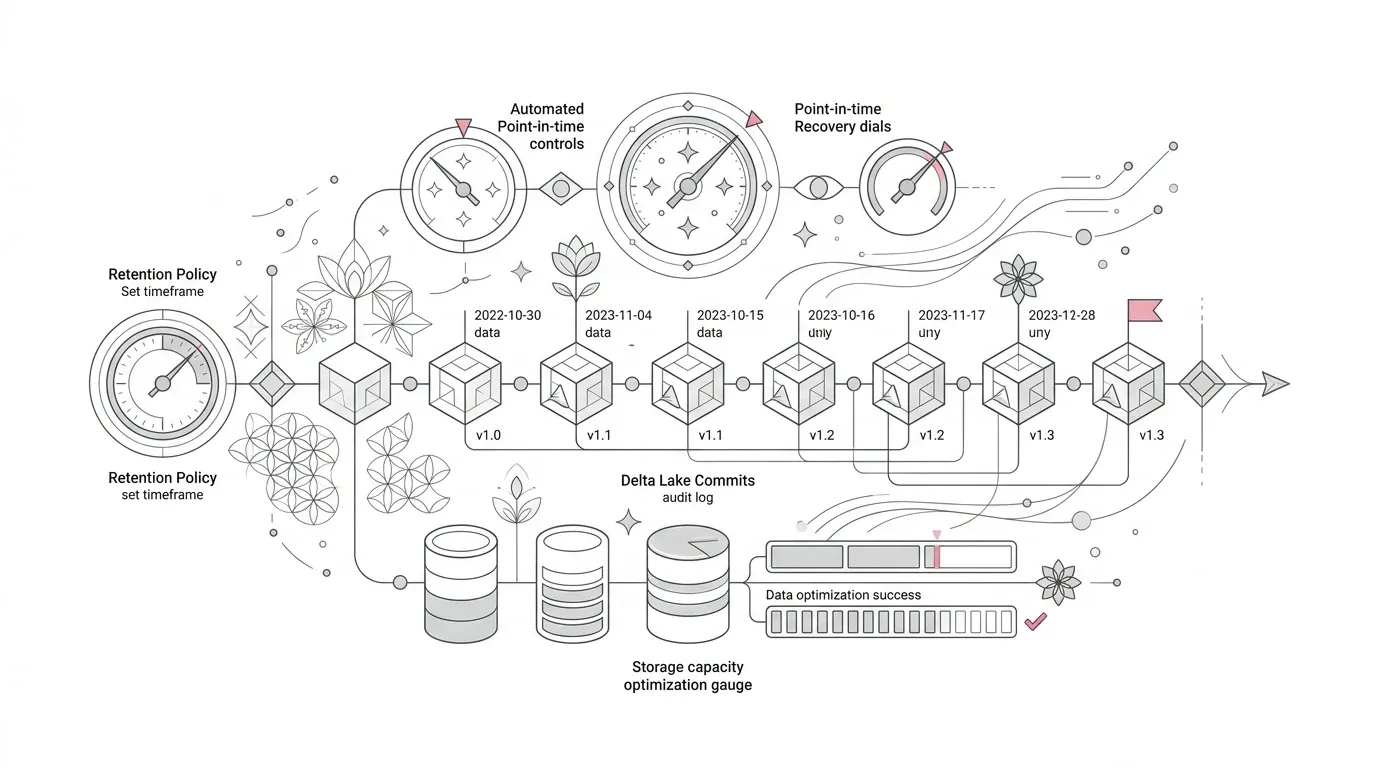
Configurable retention matters because Fabric uses one clock for four different functions:
- Time travel queries historical table data without changing the current warehouse.
- Table clones create independent tables from a current or prior point in time.
- Restore points support in-place recovery of the warehouse.
- Warehouse snapshots provide a read-only point-in-time presentation for consumers.
These are not interchangeable. They have different scope, permissions, consumer behavior, and limitations. Yet they all depend on the warehouse's configured retention window. A cost-driven reduction can silently narrow every one of them at once.
This is especially consequential because the configured number of days is not proof that the full history exists. The `time_travel_retention_cutoff_date` value shows the actual earliest available point. If a warehouse ran with seven days of retention and is changed to 60, it must accumulate history over time; the missing 53 days do not reappear. Microsoft documents this distinction between configured and actual history .
Representative enterprise scenario
*The following scenario is representative, not a YuniQ customer case or a claim of measured results.*
A multi-division company runs three Fabric warehouses:
- a finance warehouse used for monthly close and regulatory evidence;
- a customer operations warehouse refreshed several times a day;
- a development warehouse rebuilt frequently from test data.
All three inherit the 30-day default. The platform team then sees rising OneLake storage after moving the customer warehouse from incremental updates to large daily reloads. To reduce cost, an administrator changes retention to seven days. No change record connects the decision to finance, risk, report owners, or the incident team.
Two weeks later, the company discovers that a reference mapping deployed 11 days earlier reassigned a subset of transactions to the wrong business unit. The pipeline is green, current row counts are plausible, and the source system has also changed. Time travel cannot reach the last known-good state. A point-in-time clone cannot be created for that date. The desired restore point is outside the effective window. A snapshot was never created for the reporting cut-off.
The failure was not that Fabric lacked recovery features. It was that the organization treated their shared retention boundary as a local storage optimization.
Root causes and consequences
Root cause 1: the default becomes an accidental policy
Thirty days may be suitable for some workloads, but a platform default does not encode the detection cycle, close calendar, legal obligation, or recovery objective of each data product. Leaving every warehouse at the default is still a retention decision; it is simply an undocumented one.
Root cause 2: teams confuse four recovery tools
Time travel is useful for investigation and comparison. A table clone can isolate a table-level version. A restore point can roll an entire warehouse back in place. A snapshot can provide consumers a stable read-only version. Selecting a tool only after an incident wastes time and may expose a limitation that should have been designed around.
Root cause 3: storage is estimated from current warehouse size
Historical storage is driven by the volume and frequency of modifications, not just the current logical size. A daily full-table replacement can generate much more retained history than targeted incremental changes. Microsoft recommends estimating the effect of a retention change from average daily modified volume multiplied by the change in retention days. This is a planning approximation, not a bill forecast.
Root cause 4: configuration is mistaken for recoverability
A value of 60 days states what Fabric should retain going forward. It does not prove that 60 days are presently available, that schemas remain usable, that authorized responders can perform the chosen action, or that downstream reports will reconnect correctly after recovery.
Root cause 5: warehouse history and deleted-item recovery are conflated
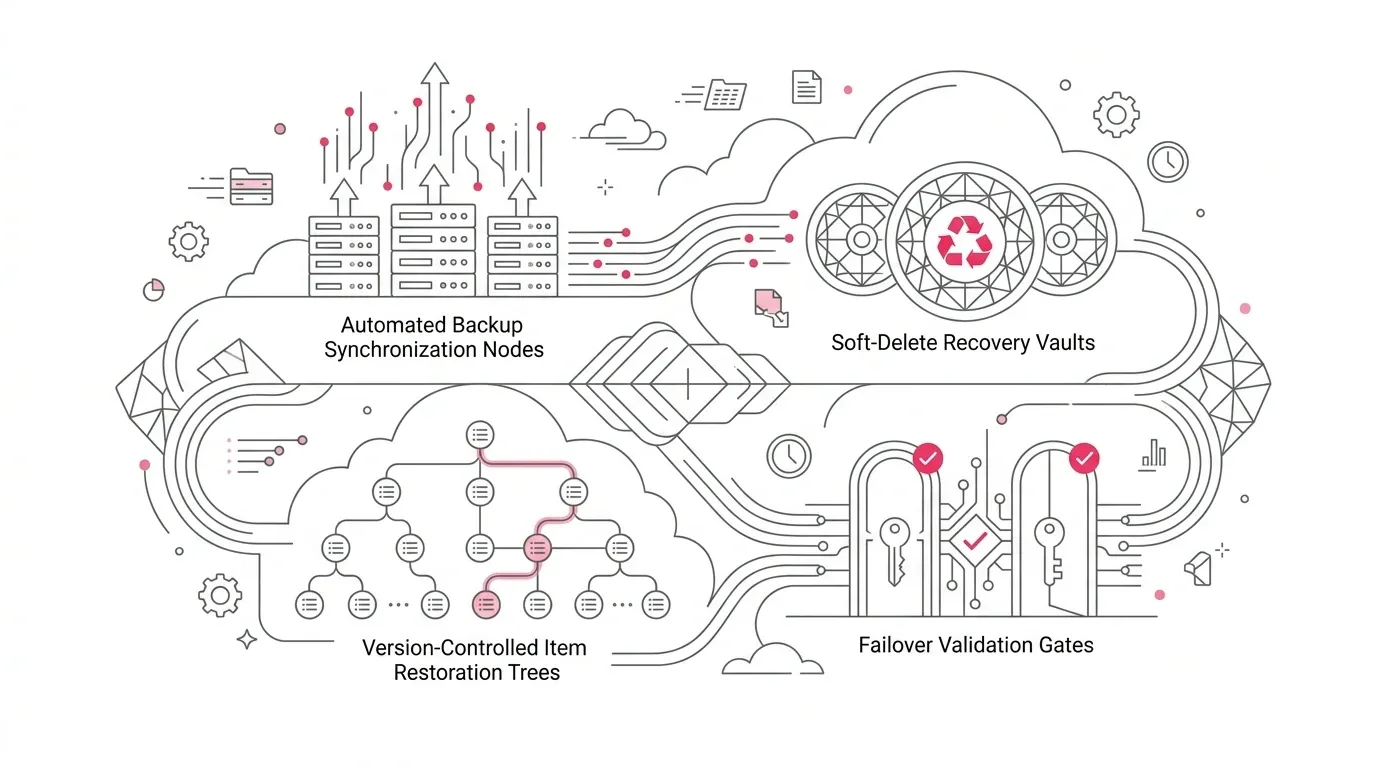
Fabric warehouse data retention is separate from tenant-level item recovery. Microsoft documents item recovery as a soft-delete capability with a default of three days when enabled and a configurable range of 3 to 90 days. Item recovery documentation describes the recycle bin and its permissions. A 90-day warehouse history window does not, by itself, mean a deleted warehouse item can be recovered for 90 days.
The business consequences include unreproducible regulatory evidence, longer incident resolution, inconsistent management reporting, emergency reloads from source systems, uncontrolled storage growth, and recovery actions that overwrite more of the warehouse than intended.
Why common approaches fall short
"Set every production warehouse to 120 days"
This maximizes the configurable window but ignores workload churn, cost, source-of-record obligations, and the fact that some evidence must be preserved longer than 120 days outside this mechanism. Retention should be long enough for the requirement, not uniformly maximal.
"Use restore points as backups"
Restore points are valuable, but they are coupled to the warehouse and its retention policy. Fabric creates system restore points every eight hours while the warehouse is active and capacity is not paused. A restore is in place: it replaces the current warehouse. Microsoft also notes that only a workspace administrator can perform the restore. The restore-point documentation should be read as a recovery capability with explicit boundaries, not as a substitute for every archival, disaster-recovery, or legal-retention requirement.
"Create a snapshot and the report is frozen"
A warehouse snapshot stabilizes data, but not everything around it. Permissions on the parent warehouse apply immediately to the snapshot. Schema changes in the parent can break objects referenced through the snapshot. Snapshots require DirectQuery or Import mode in Power BI and do not support Direct Lake. They also depend on the source warehouse and must be recreated if it is restored. Microsoft's snapshot guidance documents these constraints.
"Lower retention now and raise it if needed"
This is the most dangerous assumption. When the period is reduced, older versions become eligible for asynchronous garbage collection. Increasing the value later cannot recover deleted history. A retention reduction needs the same discipline as a destructive production change.
A practical Microsoft Fabric solution: establish a retention contract
1. Classify the business requirement before choosing days
For every warehouse, capture five inputs:
| Decision input | Question for the owner | Design consequence |
|---|---|---|
| Detection age | How long after a bad change could the business discover it? | Sets the minimum investigation window. |
| Evidence horizon | How far back must a result be reproducible for audit, finance, or model validation? | Determines whether Fabric history is sufficient or a separate archive is needed. |
| Recovery scope | Is the likely correction a row comparison, a table recovery, a whole-warehouse rollback, or stable reporting cut? | Selects time travel, clone, restore point, or snapshot. |
| RPO and RTO | How much data loss and downtime can the process tolerate? | Drives restore-point timing, runbooks, and alternative serving paths. |
| Change volume | How many bytes are modified on an average and peak day? | Provides the basis for storage modelling. |
Add a safety margin for weekends, reporting cycles, incident triage, and approval. A defect discovered on day 28 cannot be investigated safely with exactly 28 days of history if analysis and recovery take several more days.
2. Separate warehouses when retention obligations diverge
Fabric applies the setting at warehouse level. Individual tables cannot have different retention periods. If high-churn operational staging data needs a short window while regulated financial data needs a longer one, placing both in one warehouse forces a poor compromise. Separate warehouse boundaries can align retention, ownership, security, lifecycle, and cost with the data product.
This is an architecture decision, not a reason to create a warehouse for every table. Use a separate boundary when the difference in recoverability or control is material enough to justify operational overhead.
3. Match the mechanism to the incident
| Mechanism | Best use | Important boundary |
|---|---|---|
| Time travel | Investigate historical values, compare versions, reconstruct affected rows | Read-only; UTC timestamps; schema history has limitations; not supported through Power BI Desktop DirectQuery syntax. |
| Table clone | Isolate or recover one or more related tables at a known point | Schema changes can prevent historical cloning; clones are limited to the warehouse and supported context. |
| Restore point | Roll an entire warehouse back after corruption or a failed release | In-place and broad in scope; requires Workspace Admin to restore; active capacity affects creation. |
| Warehouse snapshot | Give consumers a stable point-in-time data view during ETL or reporting cycles | Data is stable, but schema is not frozen; parent permissions remain authoritative; no Direct Lake support. |
This matrix should appear in the operational runbook. During an incident, responders should not have to rediscover which control changes data, which one is read-only, or who is authorized to execute it.
4. Inventory configured and actual history
Only members of the Workspace Admin role can modify retention; other workspace roles can query it. Microsoft documents this T-SQL configuration pattern:
```sql ALTER DATABASE CURRENT SET TIME_TRAVEL_RETENTION_PERIOD = 60 DAYS; ```
Use the system catalog to record both policy and evidence:
```sql SELECT name, time_travel_retention_period_days, time_travel_retention_cutoff_date FROM sys.databases; ```
The first value is the configured intent. The cutoff date is the earliest history actually available. Both belong in the warehouse control inventory. Microsoft's configuration guide confirms the permissions, syntax, 1-to-120-day range, catalog fields, and UTC basis.
5. Put irreversible reductions behind change control
A production reduction should require:
- named business, data-product, risk, and platform approvers;
- a documented detection-age and recovery requirement;
- current retention and actual cutoff evidence;
- a storage-impact estimate and reason for the change;
- confirmation that no snapshot, clone, restore, investigation, or audit depends on the older window;
- a tested recovery route for the new window;
- post-change monitoring until asynchronous cleanup and cost effects are understood.
Where organizational tooling permits, capture the command, approver, previous value, new value, reason, UTC execution time, and validation results in an auditable change record. Do not promise an instant storage reduction: Microsoft states that garbage collection is asynchronous.
6. Design stable reporting separately from recovery
For reporting cuts, a snapshot can expose a stable data version while ETL continues. Treat the snapshot timestamp as a controlled publication event:
```text Source changes -> Warehouse load -> Data-quality checks -> Business reconciliation -> Advance snapshot timestamp -> Validate consumers -> Publish cut-off evidence ```
Because parent schema changes can still break snapshot consumers, coordinate schema releases with the reporting contract. Validate permissions, DirectQuery or Import connectivity, object dependencies, and report results before advancing the snapshot.
7. Test the whole recovery path
A quarterly or risk-based exercise should test more than the existence of history:
- query a known historical state with time travel;
- create a table clone and reconcile keys, row counts, and financial totals;
- verify a user-defined restore point before a high-risk release;
- rehearse the in-place restore decision and downstream validation in a non-production environment where feasible;
- validate snapshot consumers after both data and schema change scenarios;
- prove that the incident team can obtain authorized Workspace Admin action without using an employee-specific emergency path;
- confirm the item-recovery setting separately from warehouse data retention.
Recovery evidence should include timestamps, expected versus actual results, elapsed time, authorization, and defects found.
Governance, security, adoption, and cost considerations
Governance and security
Workspace Admin is a powerful role: it can change retention and perform warehouse restore. Limit standing membership, use managed group ownership, review access regularly, and separate the person proposing a reduction from the person approving it for critical warehouses.
Historical access does not justify broader data access. Microsoft states that row-level security, column-level security, and dynamic data masking apply to time-travel queries. Snapshot permissions follow the source warehouse and permission changes take effect immediately. Test both allowed and denied paths at historical timestamps; do not assume a past data version implies a past authorization state.
Retention is not the same as a legal hold or immutable archive. Where regulation requires longer, independently preserved, or deletion-resistant evidence, design that control explicitly with legal, records-management, and security stakeholders.
Adoption and operating model
Assign a business owner for the recovery requirement, a data-product owner for detection and reconciliation, a platform owner for configuration and monitoring, security for privileged access, and FinOps for cost analysis. Train report developers and incident responders on the difference between time travel, clones, restore points, and snapshots.
Publish retention as part of the data-product service definition. Consumers should know the historical investigation window and the maximum age at which a correction can still use native warehouse history.
Cost management
Microsoft explains that retained historical Parquet versions consume OneLake storage, while retention alone does not incur compute. Querying or restoring data does use compute, and restore-point creation and restoration consume Fabric capacity. Estimate the directional storage effect as:
```text Approximate storage change = average daily modified data volume x change in retention days ```
Use observed average and peak modification volumes, not source extract size alone. Then compare forecast with actual OneLake storage after the change. If daily full reloads create excessive version churn, evaluate whether incremental processing can meet the same data-correctness requirement. That is an implementation recommendation, not a documented guarantee of a particular saving.
Phased implementation roadmap
Phase 1: Discover and contain - weeks 1-2
- Inventory production warehouses, workspace owners, configured days, actual cutoff dates, and item-recovery settings.
- Identify unapproved deviations from the default and pause non-essential reductions.
- Map close cycles, audit horizons, incident detection age, RPO, RTO, and downstream reports.
- Identify warehouses where full reloads or frequent large updates create high historical churn.
Phase 2: Design the policy - weeks 3-4
- Define retention tiers based on business criticality and evidence needs.
- Decide when Fabric history is sufficient and when independent archival controls are required.
- Separate workloads whose retention requirements cannot coexist economically in one warehouse.
- Establish role ownership, approval thresholds, and emergency procedures.
Phase 3: Pilot and validate - weeks 5-7
- Select one high-value warehouse with known recovery requirements.
- Measure daily changed volume and model at least two retention options.
- Test time travel, cloning, restore-point creation, restore governance, and snapshot consumer behavior.
- Capture evidence for positive access, denied access, reconciliation, elapsed recovery time, and downstream reconnection.
Phase 4: Roll out by criticality - weeks 8-12
- Start with regulated and executive-reporting warehouses.
- Apply approved settings and record the current cutoff separately from the target window.
- Add pre-release restore points for high-risk warehouse changes where appropriate.
- Establish snapshot publication gates for reports that need stable data cuts.
Phase 5: Operate and improve - ongoing
- Review configuration drift, cutoff coverage, storage trend, failed recovery tests, and privileged access.
- Reassess policy after load-pattern, close-calendar, regulatory, or architecture changes.
- Retire obsolete clones and snapshots under an approved lifecycle process.
- Feed exercise findings into pipeline design, data-quality controls, and incident runbooks.
Success metrics
Track measures that demonstrate usable recovery, not just configuration:
| Metric | What it proves |
|---|---|
| Warehouses with an approved retention contract | Policy coverage and accountability |
| Actual cutoff coverage versus required detection age | Whether usable history meets the business promise today |
| Recovery exercises completed within target RTO | Operational readiness |
| Reconciliation pass rate after clone or restore testing | Data correctness, not merely technical completion |
| Unauthorized retention changes | Effectiveness of privileged-change control |
| OneLake historical storage variance versus forecast | Cost-model accuracy |
| High-risk releases with validated restore evidence | Release preparedness |
| Snapshot publication failures or schema-related consumer incidents | Stability of the reporting contract |
| Mean time to identify the last known-good timestamp | Incident diagnostic maturity |
How YuniQ can help
YuniQ's published Microsoft Fabric services align with the work required to turn configurable retention into an enterprise control. Its Microsoft Fabric consulting and implementation page describes:
- Fabric Strategy & Readiness, including current-state diagnostics, capacity planning, workspace topology, security, governance, and operating-model design;
- Data Integration & Engineering, including Fabric Data Warehouse implementation, data-quality observability, and exception handling;
- OneLake & Data Architecture, including Lakehouse-versus-Warehouse optimization and domain workspace design;
- Governance, Security & DevOps, including least-privilege role design, lineage, CI/CD separation, automated monitoring, and capacity alerts;
- Fabric Managed Services, including platform reliability, capacity and cost optimization, release management, and ongoing engineering support.
Applied to warehouse retention, that scope can support an inventory of current warehouses and dependencies, design of workload-aligned boundaries, implementation of monitored settings and release controls, recovery and reconciliation testing, and an operating model that keeps recovery evidence and storage cost visible. The appropriate engagement should be based on the organization's actual estate and requirements; no specific outcome or saving should be assumed before assessment.
Practical next steps
- Query `sys.databases` in every production Fabric warehouse and record both configured retention days and the actual cutoff date.
- Ask each business owner for the oldest plausible undetected error, not simply the desired number of retention days.
- Map every critical warehouse to its primary investigation and recovery mechanism.
- Review Workspace Admin membership and require an approved change record before any retention reduction.
- Estimate storage impact from observed daily modified volume, then validate the estimate against actual OneLake consumption.
- Run one end-to-end recovery exercise for a high-value warehouse and capture business reconciliation evidence.
- Treat snapshot publication, warehouse restore, and item deletion as separate runbooks with separate controls.
The executive decision is straightforward: choose the recovery promise first, then configure and fund the history needed to keep it. Fabric supplies the mechanisms. Enterprise discipline determines whether they are still available when the business needs them.